100% Local Processing · Open Source

Convert PDF to Images
Fast & Secure

A cross-platform desktop app to convert PDF to images or image-based PDF with watermark support. Merge & split PDFs. Completely free, no internet required, no data uploaded.
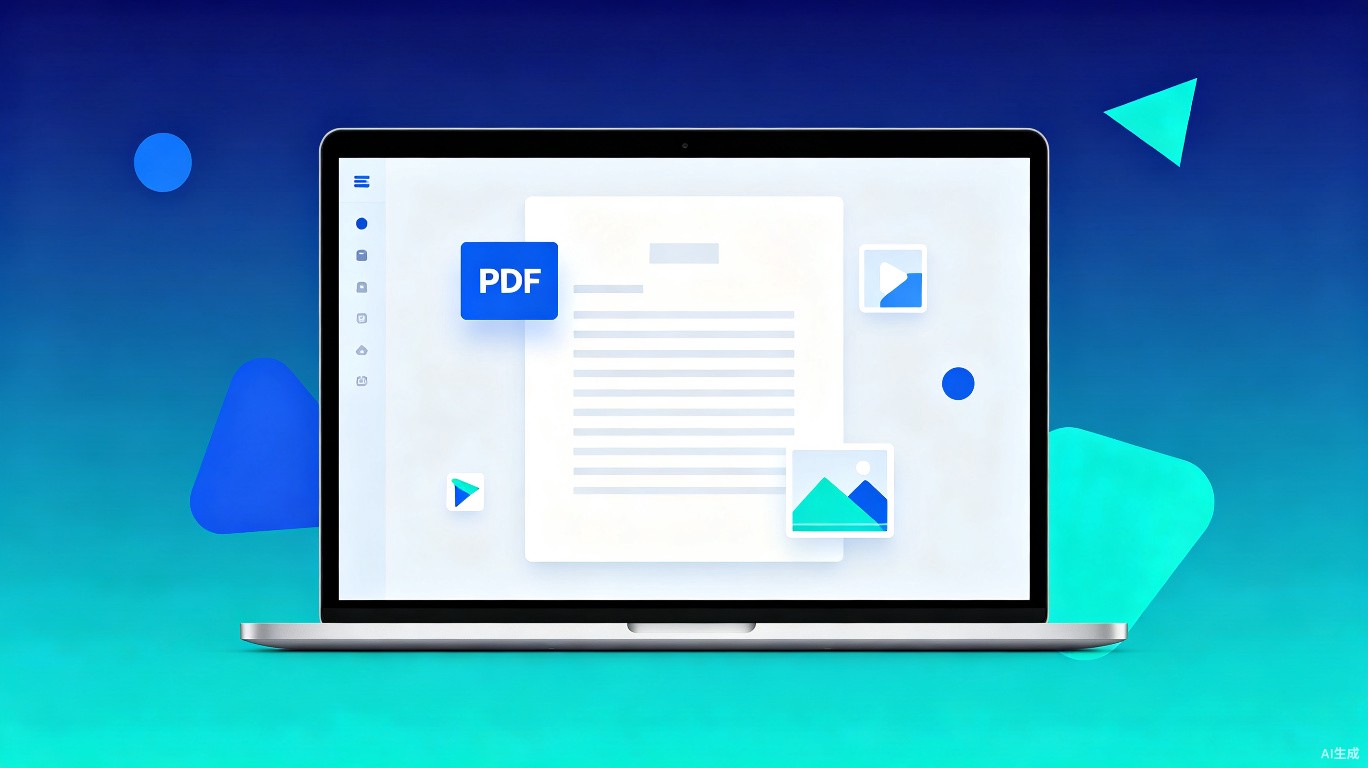
PDF-to-Image-PDF product interface
100%
Local Processing
0
Data Uploaded
$0
Forever Free
3
Platforms Supported

Everything You Need for PDF Processing

Powerful PDF conversion, watermarking, merging, and splitting — all running locally on your machine with zero network dependency.

PDF to Images

Convert each page of a PDF into a separate high-quality image file (PNG).

PDF to Image-Based PDF

Convert entire PDF into an image-based PDF file, making content non-selectable and non-editable.

Text Watermark

Add customizable text watermarks to converted images or PDFs for copyright protection.

Adjustable DPI

Fine-tune DPI settings to balance image quality and file size for your specific needs.

Merge PDFs

Combine multiple PDF files into a single document effortlessly with drag-and-drop.

Split PDF

Split a PDF into multiple separate files, each containing selected pages.

Three Steps to Get Started

No sign-up, no configuration. Download, drag, and convert.

1

Download & Install

Download the installer for your platform. No admin rights needed for basic usage.

2

Drag & Drop PDF

Drop your PDF files into the app window. Select conversion mode and options.

3

Auto-Save Result

Converted files are automatically saved alongside the original. No overwrite, guaranteed.

Works on All Major Platforms

One codebase, three platforms. Consistent experience everywhere.

Windows
macOS
Linux

Your Files Never Leave Your Machine

We believe privacy is a right, not a feature. PDF-to-Image-PDF processes everything locally — zero cloud dependency, zero tracking, zero data collection.

  • No internet connection required — works completely offline
  • No data uploaded to any server, ever
  • No tracking, analytics, or telemetry
  • Open source — audit the code yourself on GitHub
  • Safe file handling — only generates new files, never overwrites

Privacy-First Architecture

All processing happens in a sandboxed local environment. Your documents are never exposed to the network.

Get PDF-to-Image-PDF

Choose your platform and download. All versions are free with full features enabled.

Frequently Asked Questions

Is PDF-to-Image-PDF really free?

Yes, completely free with all features enabled. There are no hidden costs, no premium tiers, and no feature limitations. The source code is open and available on GitHub for anyone to audit.

Does it need an internet connection?

No. All processing is done locally on your machine. No internet connection is required, and no data is ever sent to any server. You can use it on an air-gapped computer.

What image formats are supported?

PDF-to-Image-PDF supports PNG and JPEG output formats. You can adjust the DPI setting to control the resolution and file size of the output images.

Will it overwrite my original files?

Never. The application only generates new files. Output files are saved to the same directory as the original, with modified filenames. Your original documents are always preserved.

What technology is it built with?

Built with Node.js and Electron for the desktop version. The application uses proven PDF rendering libraries for high-quality conversion results.